
Designed in the UK, shipped from Ontario
Free, tracked delivery on every Canadian order.
All orders ship from our warehouse in Ontario, Canada. Standard delivery takes 3-5 working days.
You’ll receive order and shipping confirmation emails with tracking details. Tracking may take up to 24 hours to update.
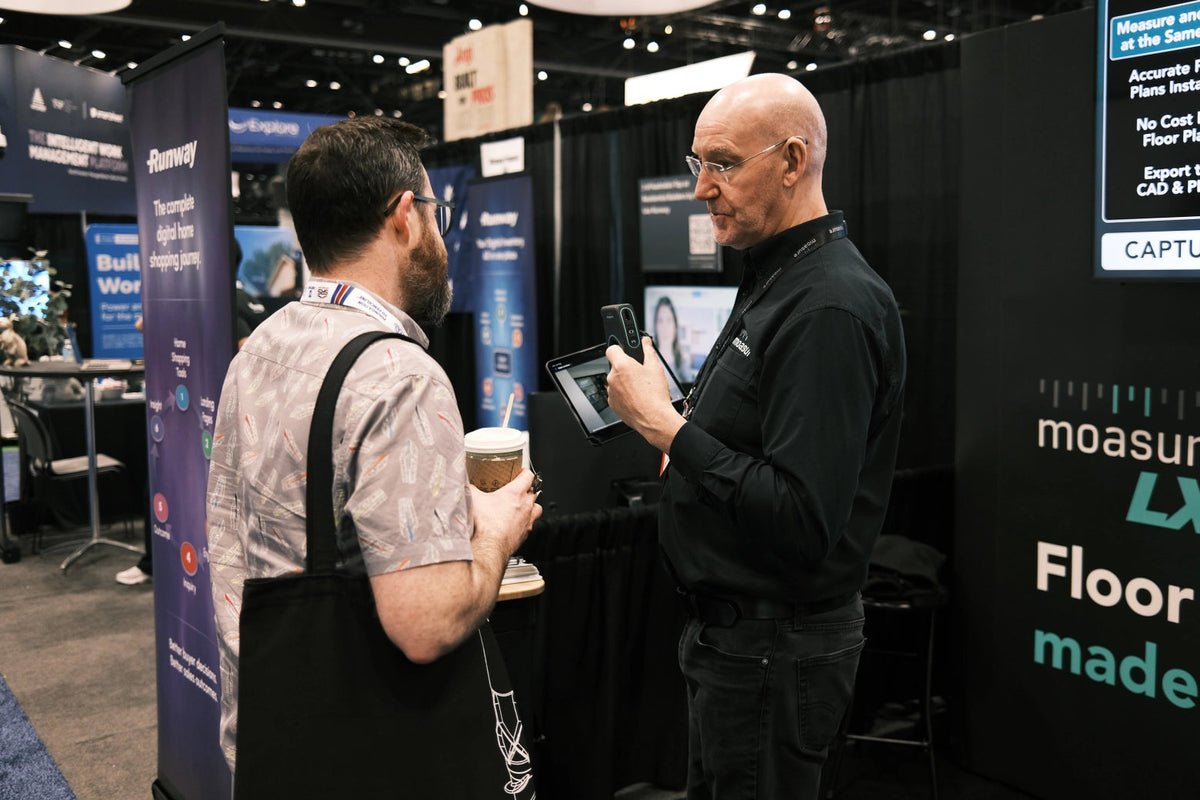
Measure and draw at the same time
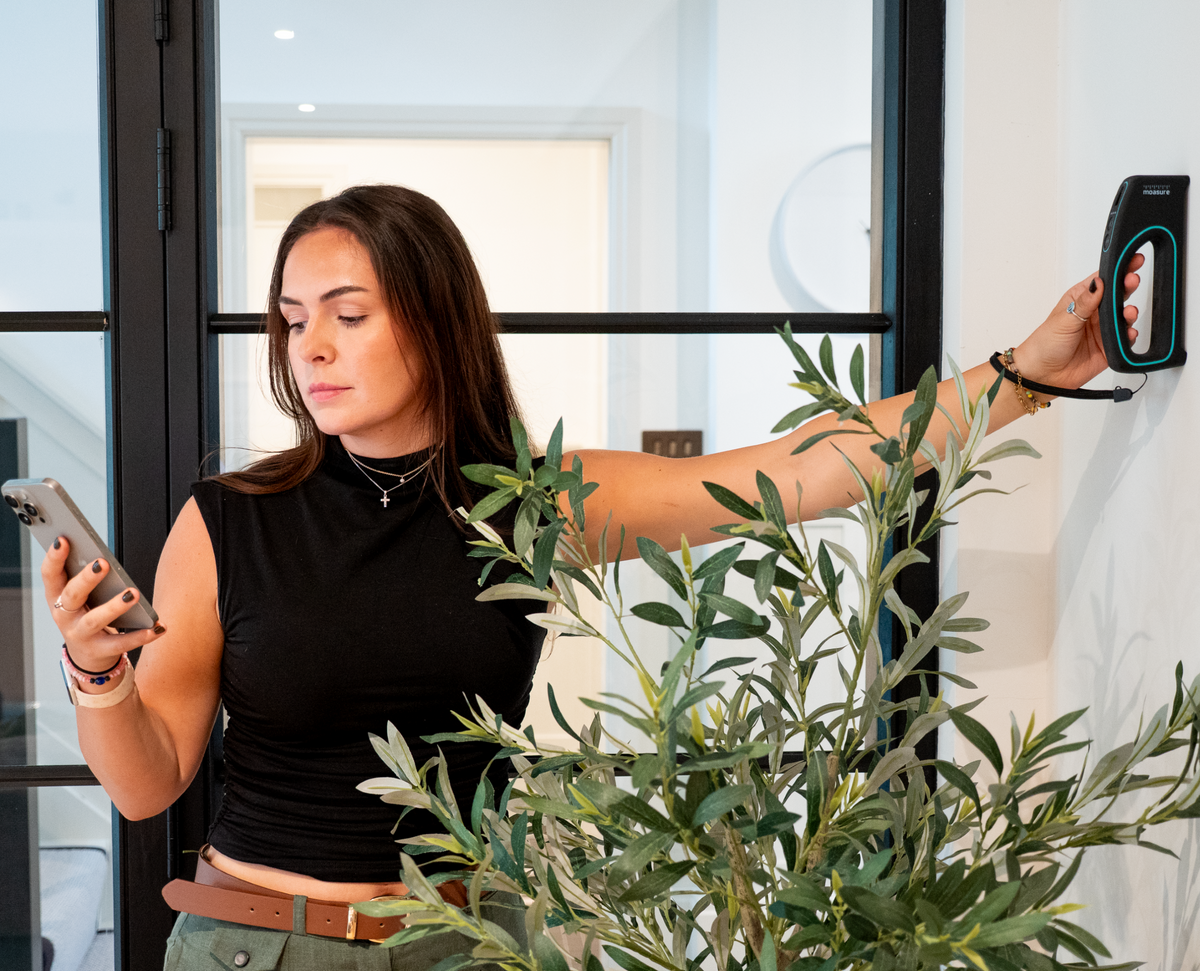
Moasure LX1 is designed to do two jobs at once, not only measuring your floor plan but drawing it in real time.
Moasure’s unique, patented technology combines inertial motion sensors with advanced algorithms to track its own position in 3D as it moves. With the LX1, Moasure has further enhanced the accuracy of its trusted technology with an integrated laser, and it works reliably without the need for GPS or Wi-Fi.


Moasure LX1 and USB-C cable
Our patented motion-based measuring device with its integrated laser, plus a USB-C cable for charging.

Carry Case and wrist strap
Keep your Moasure LX1 protected when not in use with a free carry case, and keep it safe when measuring with the wrist strap.

Getting started support
Every Moasure LX1 comes with our in-depth user guide, video tutorials and webinars, and in-app support from our customer support team.

Requires your smartphone or tablet to have at least Bluetooth 5.0
Operating system: Apple iOS 15.0 and higher, Android OS 9.0 and higher
Laser: Class 2 visible-red, 610–690 nm, < 1 mW
Operating temp: 0°C to +40°C (32°F to 104°F)
Storage temp: -10°C to +45°C (14°F to 113°F)
Shock: survives a 3.28 ft (1 m) drop onto concrete
Sealing: IP51
Certification: CE, FCC, ISED, Class 2 laser product
Dimensions: 7 x 3 x 1.42 in (178 x 76 x 36 mm)
Weight: 8.1 oz (230 g)
Battery type: lithium-ion polymer
Battery life: approx. 10 hours of typical use
Recharge method: USB C (cable supplied)
Recharge time: 4 hours
Built to last
Moasure devices are built to last. Alongside our 60-day free trial, every device includes a 2-year warranty.
The warranty starts on delivery and covers the device and accessories against defects in materials and workmanship.

Moasure LX1 and USB-C cable
Our patented motion-based measuring device with its integrated laser, plus a USB-C cable for charging.
Carry Case and wrist strap
Keep your Moasure LX1 protected when not in use with a free carry case, and keep it safe when measuring with the wrist strap.
Getting started support
Every Moasure LX1 comes with our in-depth user guide, video tutorials and webinars, and in-app support from our customer support team.
Free, tracked delivery on every Canadian order.
All orders ship from our warehouse in Ontario, Canada. Standard delivery takes 3-5 working days.
You’ll receive order and shipping confirmation emails with tracking details. Tracking may take up to 24 hours to update.
Moasure LX1 is designed to do two jobs at once, not only measuring your floor plan but drawing it in real time.
Moasure’s unique, patented technology combines inertial motion sensors with advanced algorithms to track its own position in 3D as it moves. With the LX1, Moasure has further enhanced the accuracy of its trusted technology with an integrated laser, and it works reliably without the need for GPS or Wi-Fi.
Requires your smartphone or tablet to have at least Bluetooth 5.0
Operating system: Apple iOS 15.0 and higher, Android OS 9.0 and higher
Laser: Class 2 visible-red, 610–690 nm, < 1 mW
Operating temp: 0°C to +40°C (32°F to 104°F)
Storage temp: -10°C to +45°C (14°F to 113°F)
Shock: survives a 3.28 ft (1 m) drop onto concrete
Sealing: IP51
Certification: CE, FCC, ISED, Class 2 laser product
Dimensions: 7 x 3 x 1.42 in (178 x 76 x 36 mm)
Weight: 8.1 oz (230 g)
Battery type: lithium-ion polymer
Battery life: approx. 10 hours of typical use
Recharge method: USB C (cable supplied)
Recharge time: 4 hours
Moasure devices are built to last. Alongside our 60-day free trial, every device includes a 2-year warranty.
The warranty starts on delivery and covers the device and accessories against defects in materials and workmanship.
Hear from real LX1 users:
From 2 and a half hours to 20 minutes
I would estimate a 50-75% time saving while measuring inside a customers’ home. For the average home, the as-built measurements take 8-10 hours, so this would save 4-5 hours per project on the front end.
LX1 saved me at least 24 to 48 hours, which would be the typical time I would have to wait for a 3rd party to generate a floor plan based on my measurements.
I can export to AutoCAD while on site
I would measure and sketch floor plans previous to this, so it saves a massive amount of time and makes it easy to look more professional.
Coordinating LX1 with the app is easy, and I love how easy it is to export to PDF and CAD.
Immediate, accurate floor plans. The export feature immediately post measure is incredible!
Meet Moasure LX1
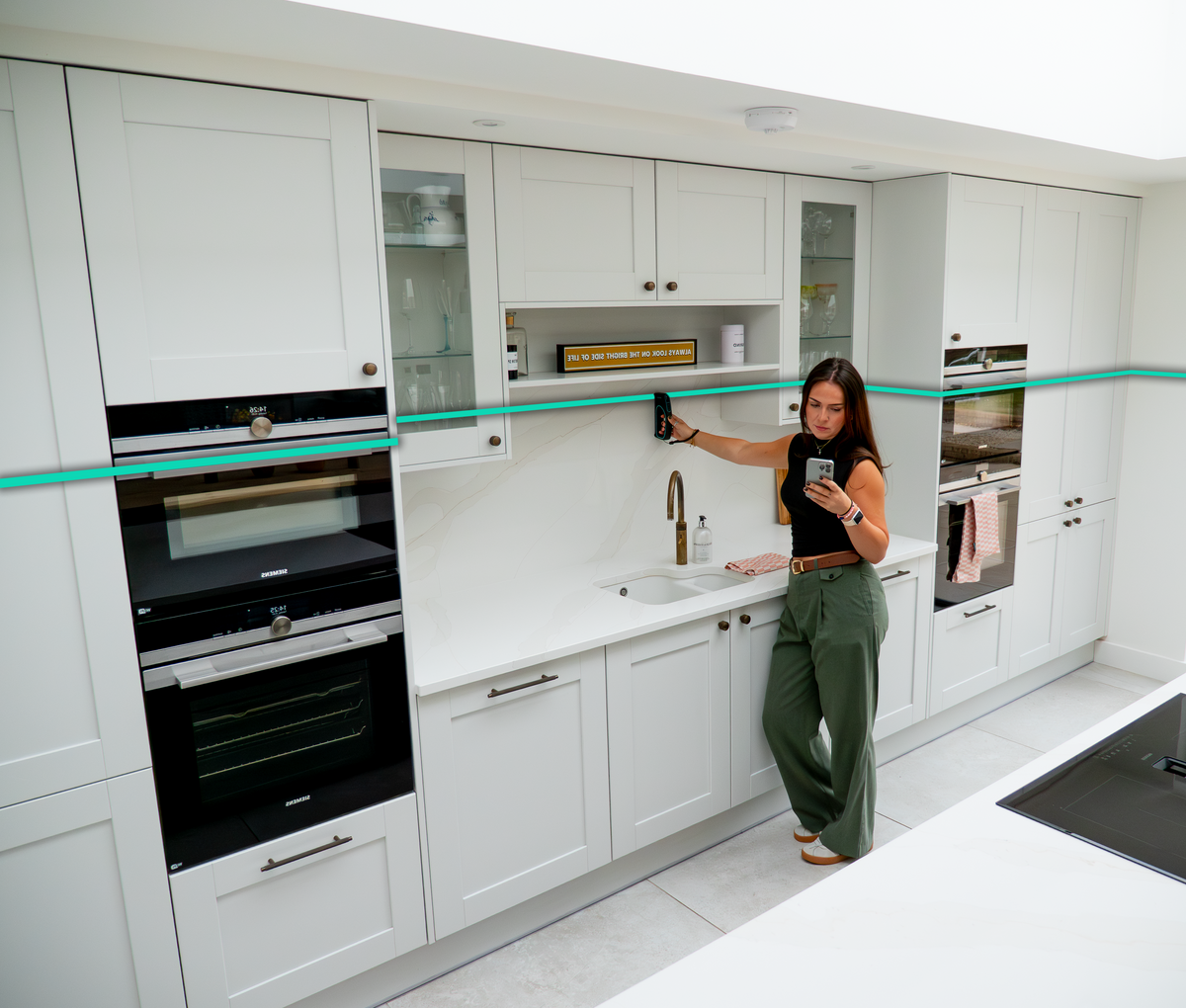
Measure and draw at the same time
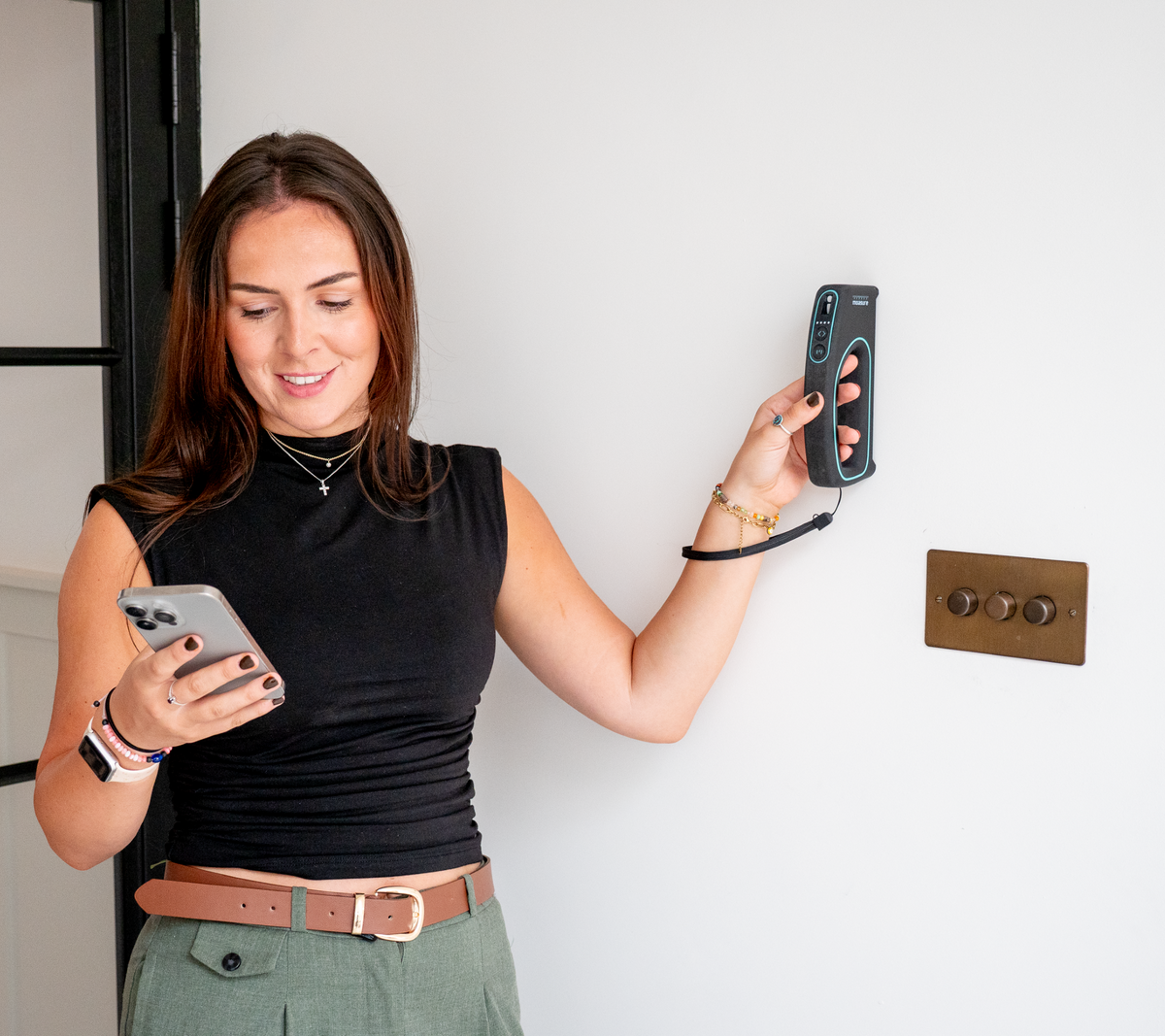
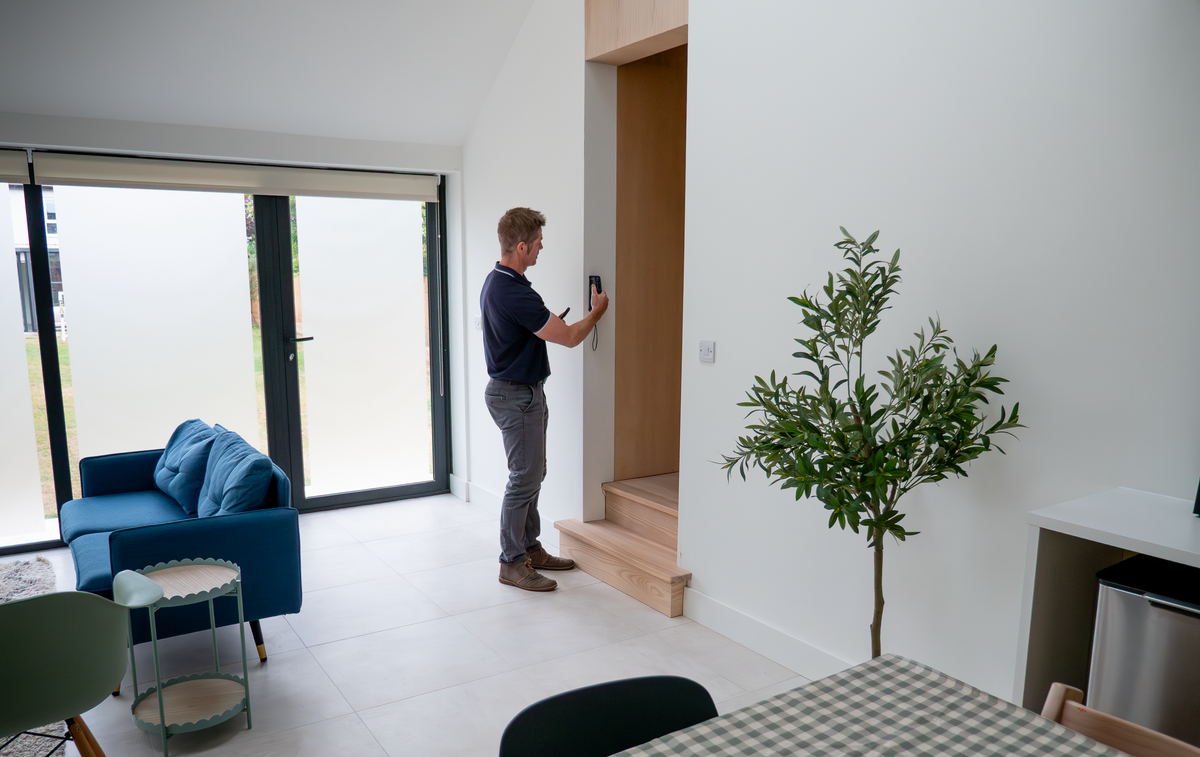
Moasure LX1 eliminates the need for manual sketches or post-measurement drawing. As you walk through the space, LX1 tracks your movement in real time, creating an accurate, scaled floor plan on your smartphone or tablet.
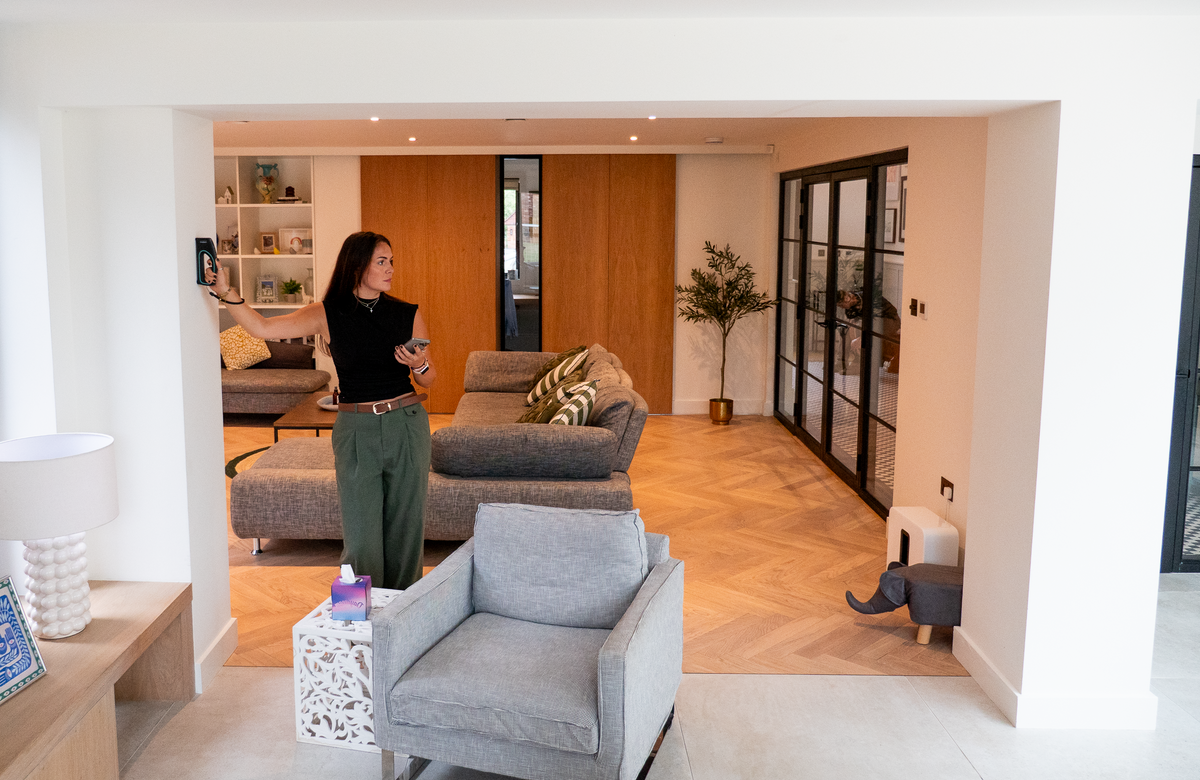
Accurate floor plans, instantly
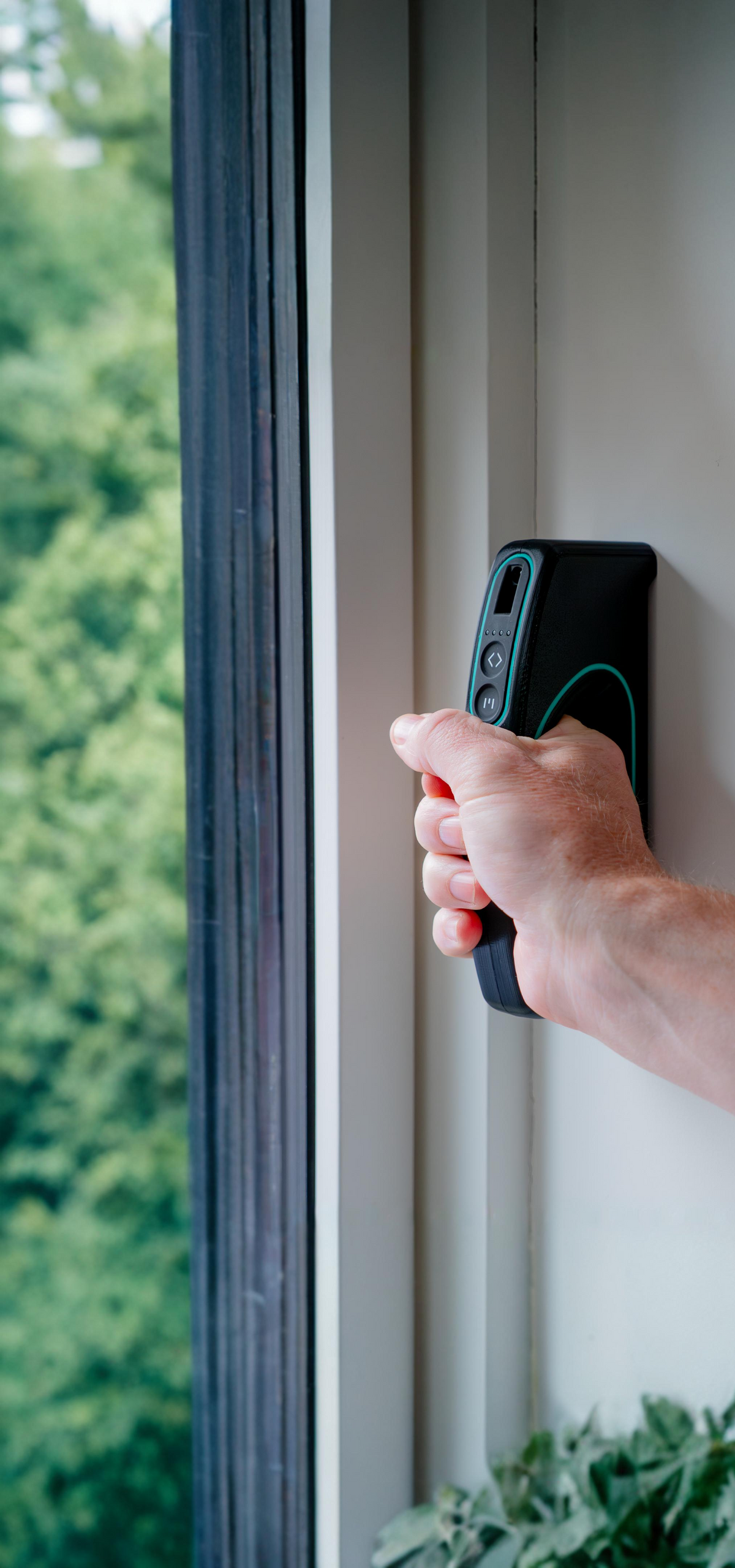
As you place the device on each wall, your floor plan is built in real time — capturing windows, doors, wall thickness, and ceiling heights as you go. The result is an accurate floor plan that’s ready the moment you finish measuring.
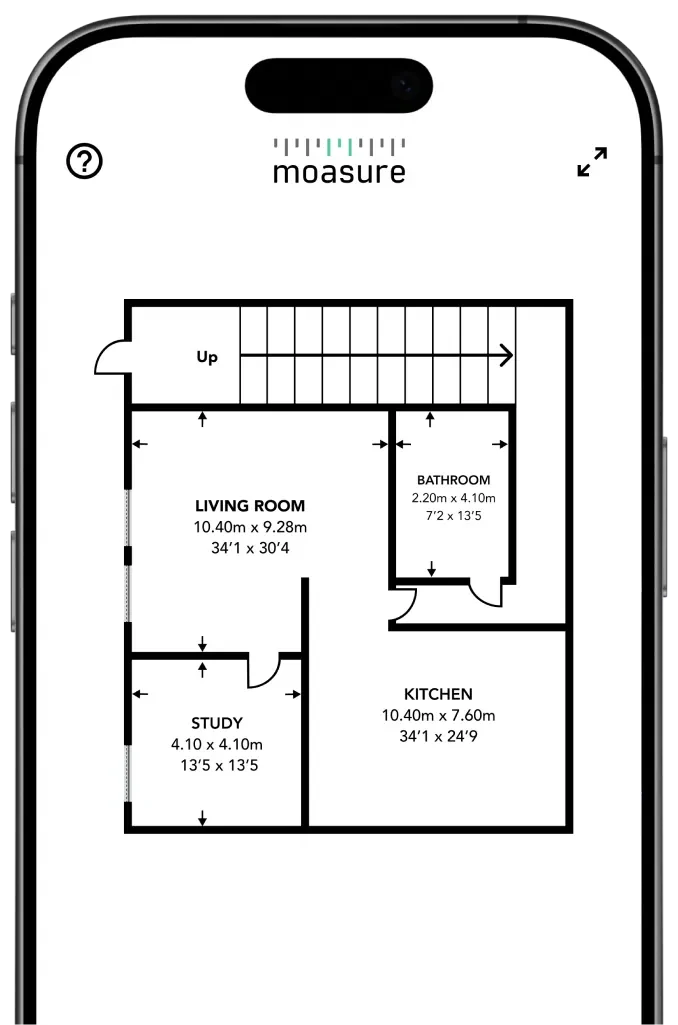

One-off cost: No cost per floor plan
Use Moasure LX1 as often as you need — with no per-plan charges and no additional fees. Whether you're capturing a single plan each week or multiple per day, a one-off cost for the device makes Moasure LX1 a cost-effective option.
Export immediately to CAD & PDF See example files
Moasure LX1 creates files you can export directly to CAD software or share as PDFs — ready for estimating, quoting, design and planning, or documentation.
Edit your floor plans inside the free companion app
Review, edit, and export inside our companion app – no subscription required.
-

Label and colour-code rooms
Assign a name and colour to each room on your floor plan. Either choose from our presets, or add your own custom colours.
-

Choose from a range of door and window types
Match your doors and windows to the property. Simply tap on any door or window to reveal the wide range of options.
-

Label your captured points of interest
Add labels to points of interest captured during your measuring process.
-

Add annotations for future reference
Tap anywhere on your floor plan to add additional details you can reference later.
-

Edit closets and staircases
Customize how staircases and closets appear on your finished floor plan.
-

Add exterior wall thickness
Enter the thickness of exterior walls to record their depth and adjust how they appear on your floor plan.


Made for Floor Plans

Add doors,
windows & more
Complete floor plan - tool is doing all the work for you, no extra steps necessary
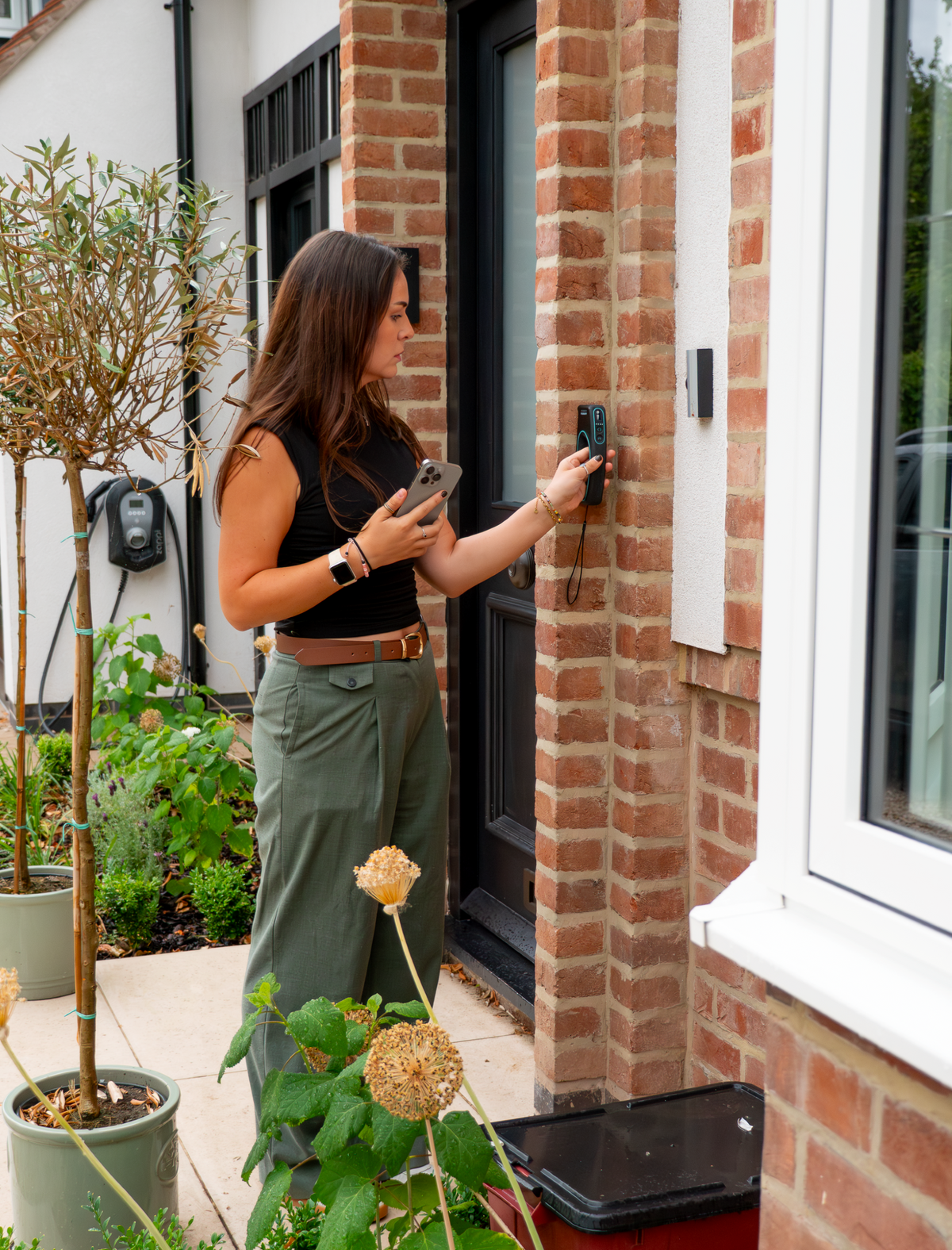
External
building footprints
Complete floor plan - tool is doing all the work for you, no extra steps necessary

Capture
ceiling heights
Complete floor plan - tool is doing all the work for you, no extra steps necessary
Measure true
wall thickness
Complete floor plan - tool is doing all the work for you, no extra steps necessary
No line of sight
necessary
Complete floor plan - tool is doing all the work for you, no extra steps necessary

No internet
required
Complete floor plan - tool is doing all the work for you, no extra steps necessary
Download sample measurements
Download measurements made with Moasure LX1 and import it to your CAD software.
Elm Drive


The Cedars

Moasure’s DWG and DXF files are supported by all major CAD platforms, and the PDF opens on any device.
Download sample measurements
Download measurements made with Moasure LX1 and import it to your CAD software.
Elm Drive
The Cedars
Moasure’s DWG and DXF files are supported by all major CAD platforms, and the PDF opens on any device.
How it works
Simply walk a property to measure as you move. Moasure LX1 captures walls, doors, windows, and staircases, whilst simultaneously generating accurate, complete floor plans and footprints.

No internet required

Instant floor plans

No line of sight necessary

Export to CAD & PDF
Frequently asked questions
Everything you need to know about Moasure LX1
To measure spaces with LX1, simply place the device on each wall. Your floor plan is built in the Moasure app in real time — capturing windows, doors, wall thickness, and ceiling heights as you go. Doorways are used as anchor points to connect one room to the next. The result is an accurate floor plan that’s ready the moment you finish measuring.
Moasure LX1 is accurate to within ±2.5 cm on linear measurements and up to ±0.5% on area measurements.
The device combines advanced motion sensors with an integrated laser to achieve this accuracy. By following simple best practices — placing the device firmly against each wall and keeping it steady without swinging — you can rely on Moasure LX1 to produce consistently accurate, professional floor plans.
Moasure’s unique, patented technology combines inertial motion sensors with advanced algorithms to track its own position in 3D as it moves.
With the LX1, Moasure has further enhanced the accuracy of its trusted technology with an integrated laser. The revolutionary device calculates area and perimeter quickly and accurately, with no line of sight necessary. Utilizing motion-based technology, it works reliably without the need for GPS or Wi-Fi.
The time required depends on the size of the building and the time it takes to walk around each room. Most floor plans can be created within minutes and are instantly available in the Moasure app as soon as you finish measuring.
Moasure LX1 is designed for professionals who need to measure and create accurate floor plans.
Moasure LX1 can be used to measure building exteriors by placing the device against each wall in order to produce a footprint drawing.
Exterior measurements such as building footprints are accurate to ±0.5% on linear measurements and ±1.0% on area measurements.
Other outdoor measuring needs are covered by our Moasure 2 Series devices.
Yes, floor plans can be exported easily in the following formats:
Scaled PDFs
Image files (JPEG, PNG)
CAD-ready files (DXF, DWG)
Whilst all Moasure devices use the same unique, patented technology, the Moasure LX1 has been engineered to measure building interiors and exteriors in order to create instant, accurate floor plans.
The Moasure 2 and Moasure 2 PRO devices are engineered to measure and draw outdoor spaces, calculating area, volume, and elevation. These devices are trusted by professionals in industries such as landscaping, civil construction, excavation, and more.